
Test artifacts — reports, screenshots, logs, coverage data — are the outputs generated every time your tests run. They’re essential for debugging failures and tracking test health over time. For a deep dive into each type, see What Are Test Artifacts in Software Testing?. But once you have more than a handful of test runs, managing these artifacts becomes its own problem.
Your Playwright report is in GitHub Actions. The screenshot is in a Slack thread from last Tuesday. The coverage data is in an S3 bucket that two people have access to. When a test fails, the first ten minutes aren’t spent debugging — they’re spent finding the evidence. Test artifacts are scattered across every tool your team uses, and nobody has the full picture.
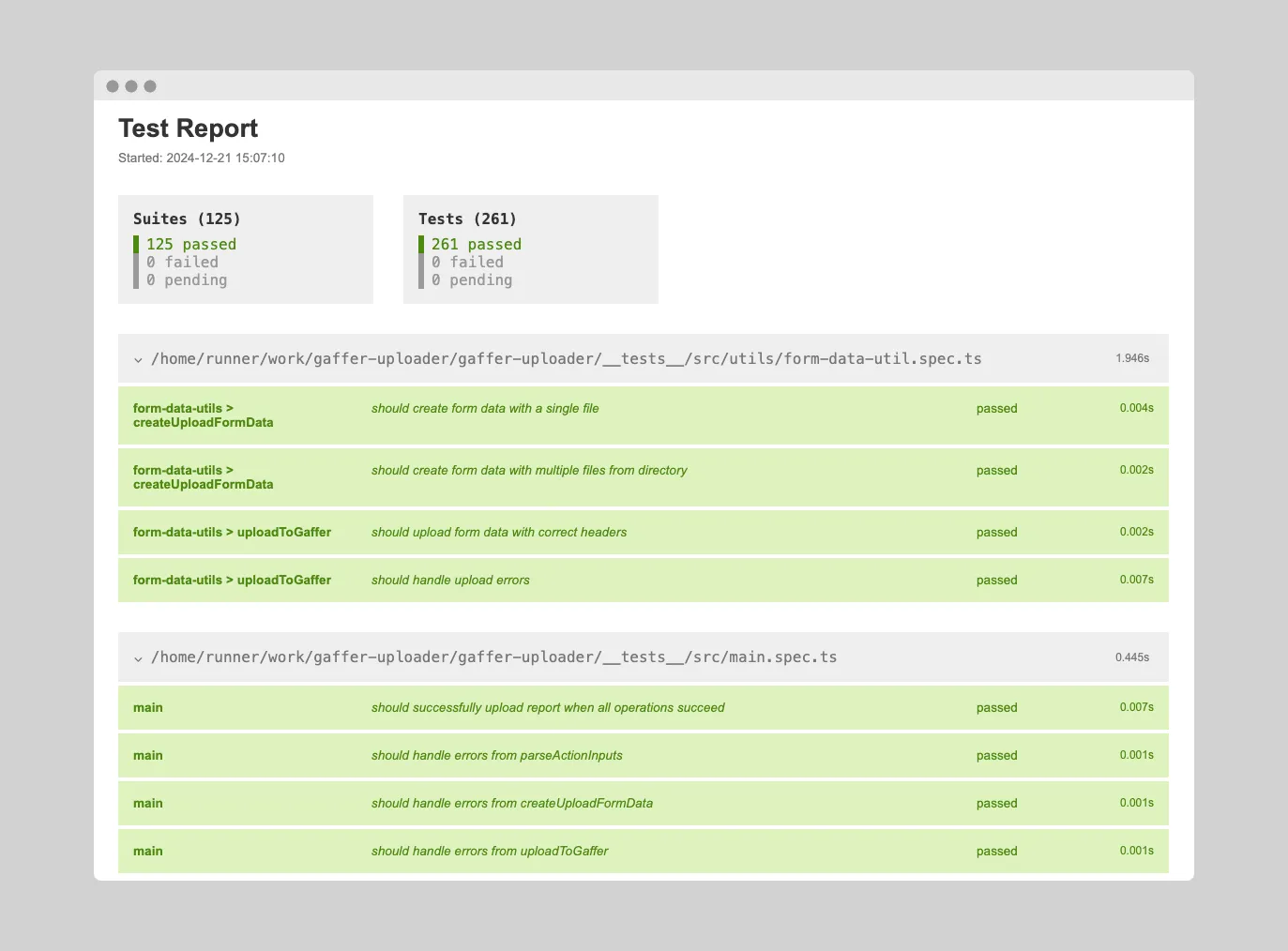
What Are Software Testing Artifacts?
Test artifacts in software testing include any file or data produced during test execution:
- Test Reports - HTML, JSON, or XML summaries of test results (Playwright, Jest, Vitest, pytest, JUnit)
- Screenshots & Videos - Visual evidence of test failures, especially for E2E tests
- Log Files - Console output, stack traces, and debugging information
- Coverage Reports - Code coverage data showing which lines were tested
- Performance Metrics - Timing data, memory usage, and resource consumption
These artifacts are crucial for debugging, but they’re often difficult to access, share, and retain. For a deeper look at each type, see What Are Test Artifacts in Software Testing?.
The CI Artifact Expiration Problem
Most CI/CD platforms (GitHub Actions, GitLab CI, CircleCI) automatically delete test artifacts after a retention period - typically 30-90 days. This creates real problems:
- Debugging old failures - When a bug resurfaces, the original test artifacts are gone
- Compliance audits - Regulated industries need to retain test evidence for years, not months
- Onboarding engineers - New team members can’t see historical context for test behavior
- Flaky test analysis - Understanding intermittent failures requires data across many runs
Even worse, accessing artifacts while they exist is painful. You have to navigate to the CI provider, find the right workflow run, download a zip file, and extract it locally.
How Gaffer Solves Test Artifact Management
Gaffer provides searchable storage for your test artifacts with configurable retention and instant team access:
Automatic Upload from CI
Add one step to your CI pipeline and Gaffer captures your test artifacts automatically:
- name: Upload to Gaffer uses: gaffer-sh/gaffer-uploader@v2 with: gaffer_upload_token: ${{ secrets.GAFFER_UPLOAD_TOKEN }} report_path: ./test-resultsInstant Team Sharing
Every test run gets a URL in the Gaffer dashboard. Share it in Slack, add it to a bug ticket, or bookmark it for later. No downloads, no zip files.
For external collaborators, you can generate public share links with configurable expiration — they view the results in their browser without needing a Gaffer account.
Slack Notifications
Get notified in Slack when tests fail, with a direct link to the full report. Filter notifications by branch so you only hear about failures that matter.
Historical Analytics
Track test health over time with pass rate trends, flaky test detection, and historical analytics.
Supported Test Frameworks
Gaffer works with the test artifacts you already generate:
| Framework | Report Types |
|---|---|
| Playwright | HTML reports, traces, screenshots |
| Jest | JSON output, jest-html-reporter |
| Vitest | HTML reports, JSON output |
| pytest | pytest-html, JUnit XML |
| Any framework | JUnit XML, CTRF JSON |
Test Artifacts Best Practices
- Generate structured reports - HTML or JSON reports are more useful than plain text logs
- Include screenshots on failure - Visual evidence makes debugging faster
- Store artifacts with longer retention - Don’t rely on short CI retention policies
- Make artifacts accessible - If your team can’t find artifacts easily, they won’t use them
- Track trends over time - Individual test runs matter less than patterns across runs
Get Started
Gaffer’s free tier includes 500 MB of artifact storage with 7-day retention. Paid plans offer extended retention (up to 90 days) and up to 50 GB of storage.